
The Important Bits
When is Bitcoin Pizza Day? Bitcoin Pizza day is celebrated annually on May 22nd.
Who bought pizza with Bitcoin for the first time? Laszlo Hanyecz, a programmer and early Bitcoin miner, bought the pizza for 10,000 BTC.
More than $1.2 billion.The value of 10k BTC at its all-time-high.
Celebrate this year by ordering pizza with Bitcoin! Learn the story behind the customary pizza day and how to buy the perfect pizza pie with Bitcoin.
What is Bitcoin Pizza Day?
Bitcoin Pizza Day marks the day on which an early Bitcoin enthusiast purchased pizza using Bitcoin on May 22nd, 2010. The guy who bought pizza with Bitcoin was a programmer and early miner named Laszlo Hanyecz.
Hanyecz made a post on a Bitcoin forum offering 10k Bitcoin for two large pizzas. Eventually someone took him up on his offer and delivered two Papa Johns pizzas.
At the time, 10,000 Bitcoin was worth $41. Compared to its all-time-high, those 10,000 Bitcoin would be valued at more than $1,200,000,000! Despite this, Hanyecz has no regrets about using his cryptocurrency to buy pizza. Buying pizza with Bitcoin made crypto real for him when it was barely known outside of the crypto community.

The pizzas Hanyecz bought for 10k Bitcoin
How to buy pizza with Bitcoin
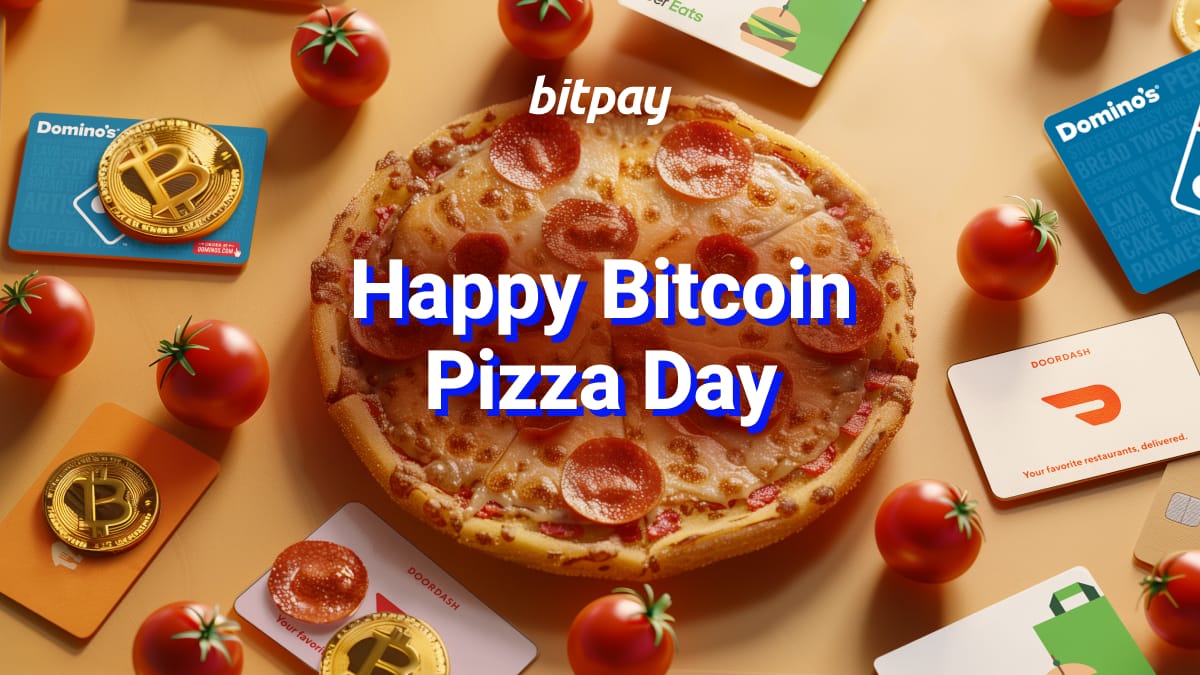
Want to order a pizza to celebrate Bitcoin Pizza Day? You can buy gift cards to many national pizza and food delivery chains with Bitcoin. Buy the gift cards using the BitPay app or extension. Use right away or save for later.
Pro tip: For an authenticate Bitcoin Pizza Day celebration, order the exact pizza Laszlo Hanyecz ordered: two large Papa Johns pizzas with peppers, onions, olives and tomatoes.
How to buy pizza with crypto-powered gift cards
BitPay makes it easy for the crypto community to purchase gift cards for pizza shops, food delivery services, and other top name brands and retailers.
Tap the Shop with Crypto tab in the app.
Select your preferred gift card.
Enter the amount you’d like to load onto the card. Gift card minimums/maximums will vary from card to card.
Select the wallet and cryptocurrency you want to use to buy the gift card.
Confirm your transaction.
You’ll receive your gift card once the transaction is confirmed. It can be added to Apple Pay/Google Pay, shared via email, or printed from the BitPay app. Manage and keep track of gift cards from the BitPay app or Chrome extension.
Note: The BitPay Wallet app is a self-custody wallet - this means you can import funds held in any other self-custody wallet or transfer assets from an exchange wallet into the BitPay app to pay for your gift cards.
Get the BitPay Wallet - the only crypto app for spenders
Share this post


Note: All information herein is for educational purposes only, and shouldn't be interpreted as legal, tax, financial, investment or other advice. BitPay does not guarantee the accuracy, completeness, or usefulness of any information in this publication and we neither endorse, nor are we responsible for, the accuracy or reliability of any information submitted or published by third parties. Nothing contained herein shall constitute a solicitation, recommendation, endorsement or offer to invest, buy, or sell any coins, tokens or other crypto assets. BitPay is not liable for any errors, omissions or inaccuracies. For legal, tax, investment or financial guidance, a professional should be consulted.