
The Important Bits
Swapping crypto lets you exchange one cryptocurrency for another directly inside your wallet, without converting to fiat first.
The new BitPay Wallet swap experience is faster, simpler, and designed to help you move between assets with less friction.
Swapping crypto should feel simple
For many beginners, swapping crypto can feel intimidating. Too many screens. Quotes that take forever. Unclear fees. And sometimes you are not sure exactly what you will receive until the very end.
It does not have to be that way.
The BitPay Wallet now features a rebuilt swap experience designed to reduce friction and make moving between assets feel straightforward. Fewer steps. A cleaner interface. A smoother flow from start to finish.
If this is your first swap, this guide will walk you through it.
What does “swapping crypto” mean?
A crypto swap is simply exchanging one cryptocurrency for another.
For example, you might:
Instead of sending your crypto to an exchange, converting to dollars, and then buying something else, swapping lets you move directly between supported assets inside your wallet.
In the BitPay Wallet, swaps happen within your self-custody wallet, meaning you remain in control of your private keys throughout the process.
Swapping checklist before you start
A quick checklist before your first swap:
Make sure you are using the latest version of the BitPay Wallet app.
Confirm you have crypto in your wallet to swap.
Ensure you have enough to cover any applicable network fees
How to swap crypto in the BitPay Wallet
Swapping in the BitPay Wallet is designed to be straightforward, even if it is your first time. If you have not already done so, download the BitPay Wallet app.
Step 1: Open the BitPay Wallet and tap “Swap”
From the home screen, tap the Swap option to begin.
Step 2: Choose the crypto you want to swap from
Select the asset you currently hold. This is the crypto you will be exchanging.
Step 3: Choose the crypto you want to receive
Next, select the asset you would like to receive.
The BitPay Wallet supports thousands of coins and tokens across major networks including Bitcoin, Ethereum, Bitcoin Cash, Solana, XRPL, Dogecoin, and Layer-2 networks like Polygon, Base, Arbitrum, and Optimism.
Step 4: Enter the amount
Enter the amount you would like to swap. You can typically view the value in crypto or your local currency equivalent.
Step 5: Review your quote
Before confirming, you will see a clear summary that includes:
The amount you are sending
Any applicable network or swap fees
The estimated amount you will receive
A time window before the quote expires
Take a moment to review the details. Everything is laid out so you know exactly what to expect.
Step 6: Confirm your swap
Once you are ready, confirm the swap in the app. Your assets will move directly within your self-custody wallet. No need to transfer funds to another platform.
That is it. Your first swap is complete.
Why swap crypto in the BitPay Wallet?
If you are new to swapping, choosing where to do it matters. Here is why many beginners prefer using the BitPay Wallet.
Built for simplicity
The swap flow was built to reduce unnecessary steps and make the process easier to follow. From quote to confirmation, the experience is clean and intuitive.
Designed for self-custody control
When you swap in the BitPay Wallet, your crypto remains in a self-custody wallet. You control your private keys.
You are not handing over access to an exchange or moving assets into custodial storage just to make a swap. You stay in control throughout the process.
Everything in one place
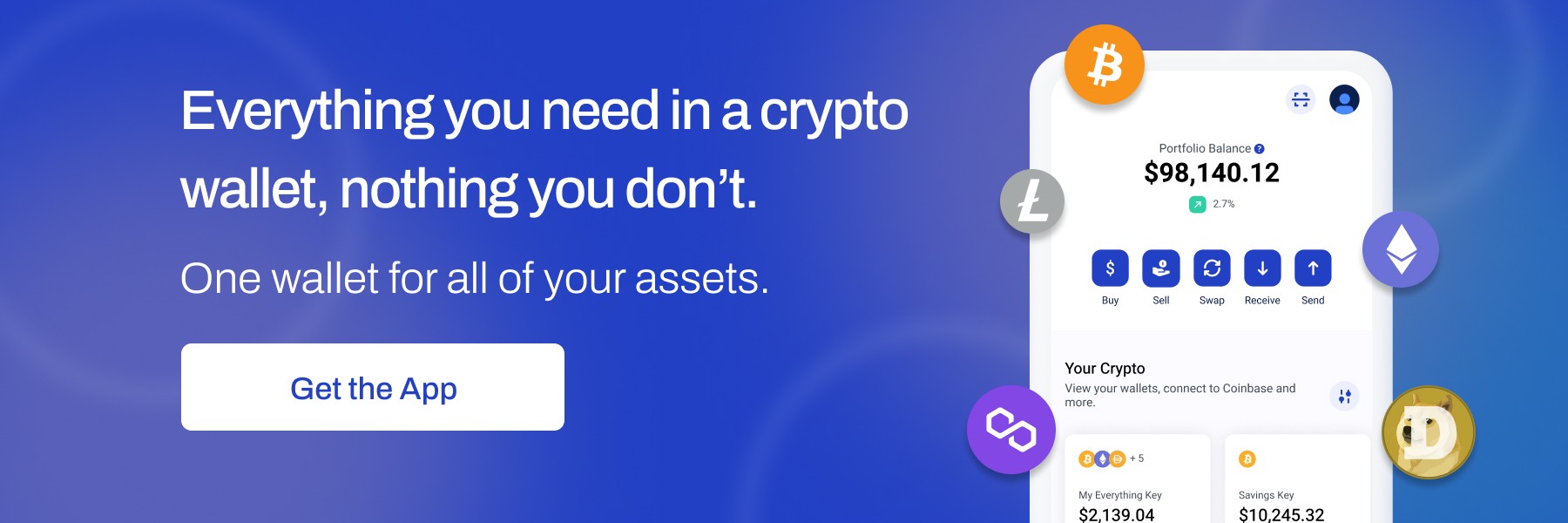
The BitPay Wallet brings buying, storing, swapping, managing, and spending crypto into one app.
You can also import existing wallets using your 12-word seed phrase or create new wallets directly in the app. Swap across wallets, assets, and supported blockchains without bouncing between platforms.
Tips for your first swap
If this is your first time swapping crypto, many users find it helpful to:
Start with a smaller amount to get comfortable with the process
Double-check the assets selected before confirming
Review the quote details carefully before completing the swap
A quick review can help you feel confident before you tap confirm.
Swap crypto with more confidence
Swapping crypto does not have to feel complicated. With the updated BitPay Wallet experience, moving between assets is designed to be simple, clear, and fully in your control.
Download or update the BitPay Wallet today and complete your first crypto swap with confidence.
Share this post


Note: All information herein is for educational purposes only, and shouldn't be interpreted as legal, tax, financial, investment or other advice. BitPay does not guarantee the accuracy, completeness, or usefulness of any information in this publication and we neither endorse, nor are we responsible for, the accuracy or reliability of any information submitted or published by third parties. Nothing contained herein shall constitute a solicitation, recommendation, endorsement or offer to invest, buy, or sell any coins, tokens or other crypto assets. BitPay is not liable for any errors, omissions or inaccuracies. For legal, tax, investment or financial guidance, a professional should be consulted.